


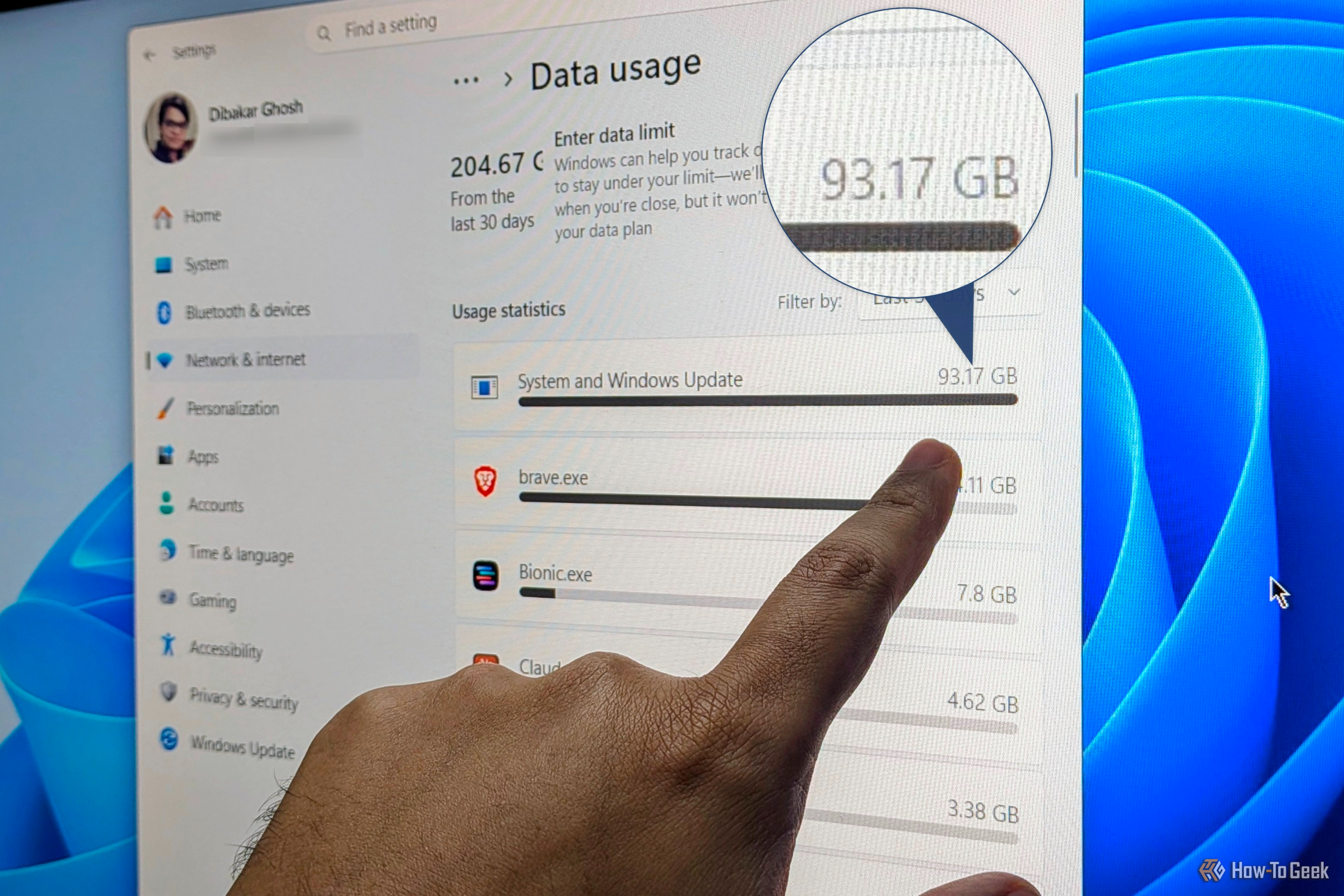
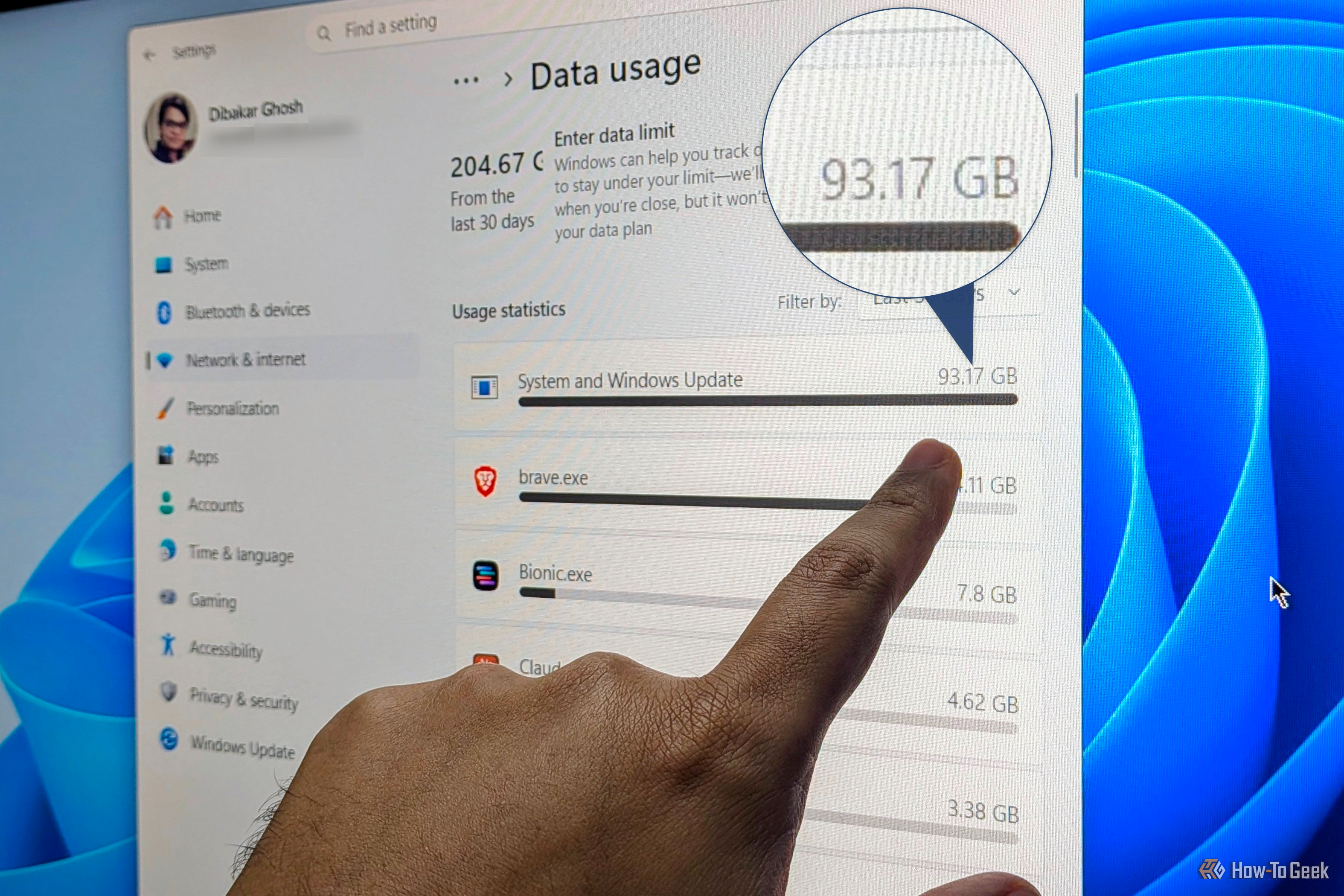
Do you have a fast internet connection, but your Windows PC often feels slower than it should? Have you already tried switching your DNS providers and other internet speed optimization hacks, but still no luck? Well, I’ve been in the same place you are — and after some digging around, I found that a few background apps and processes were causing the problem. Here’s how to find out if that’s happening on your PC and how to stop it for good.
